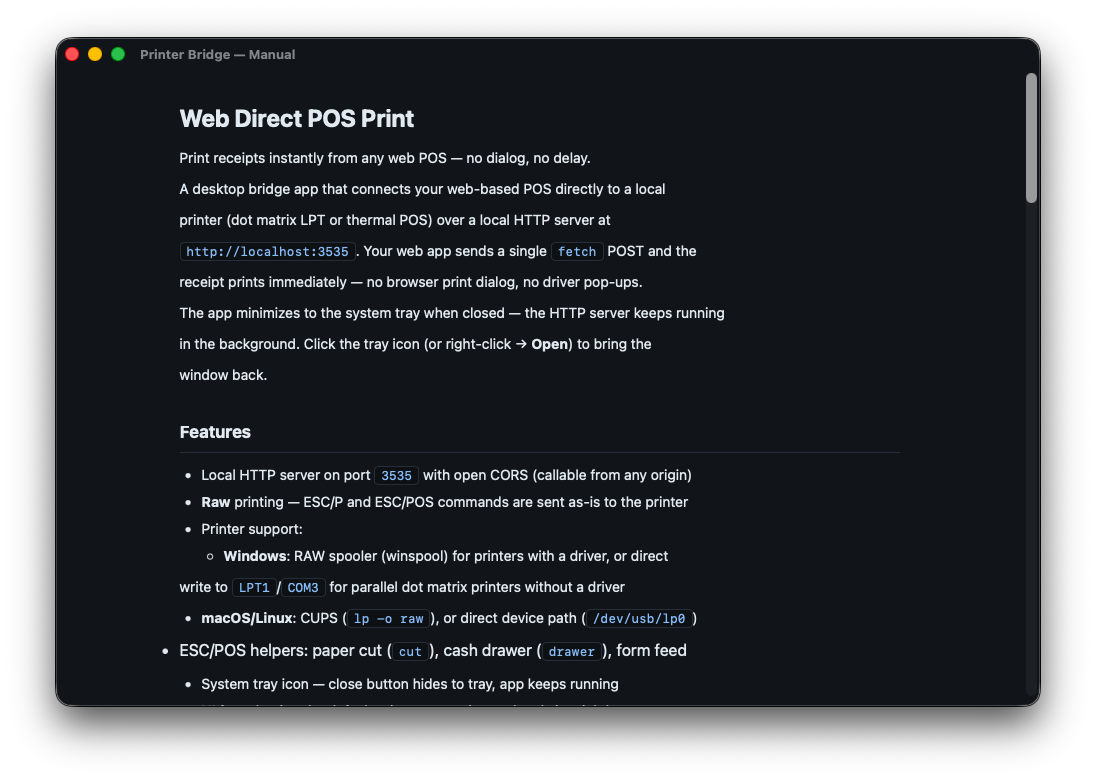
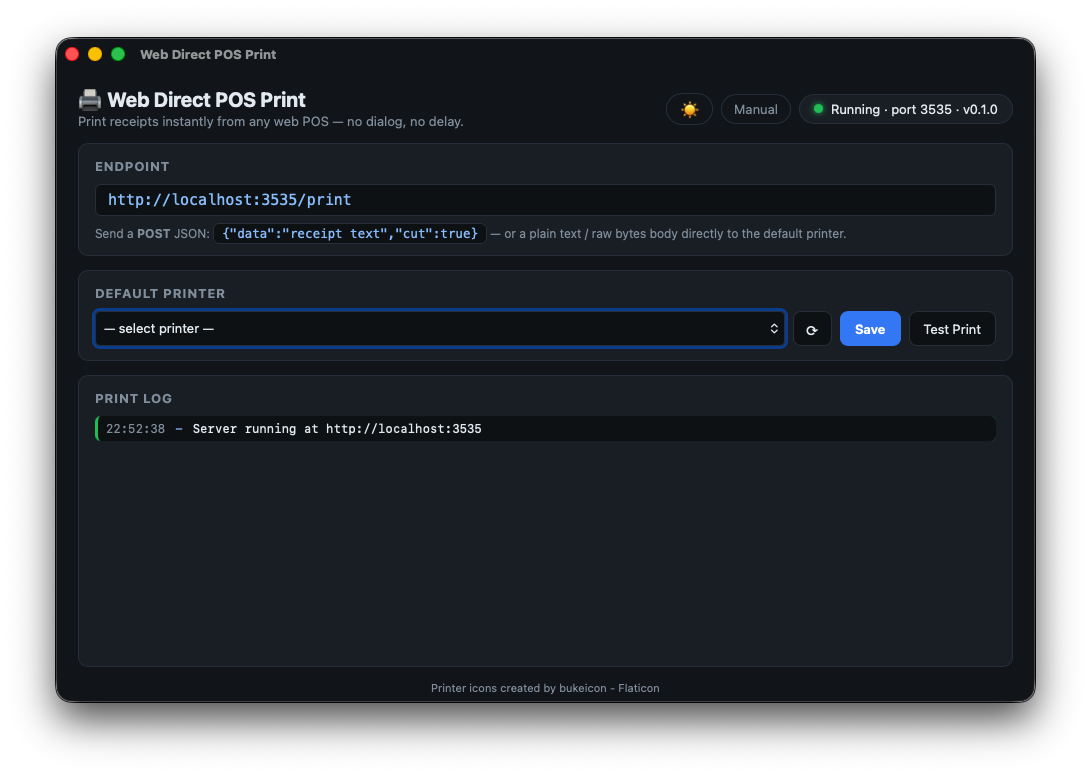
Print receipts, tickets, and labels from any web app directly to your POS printer — no print dialog, no pop-up. Built for cashiers, restaurants, and retail on macOS. Works in Chrome, Firefox, Edge — not Safari.
vs Other Product
Both are local bridge apps that receive print jobs from the browser and forward them to a local printer. Here's how they differ.
| 🖨️ Direct Print | Other Product | |
|---|---|---|
| Protocol | HTTP REST | WebSocket |
| Integration | Plain fetch() — no library needed |
Requires Other Product JS library in your web app |
| Target | POS receipts · ESC/POS · Dot matrix | General printing (PDF, labels, receipts) |
| Platform | macOS · Windows · Linux coming soon | Windows · macOS · Linux |
| Setup | Install app → select printer → done | Install Other Product + add JS library + sign certificate |
| Certificate | ✓ Not required | Required for production |
| Raw ESC/POS | ✓ Native support | ✓ Supported |
| Logo / QR Print | ✓ Built-in (URL → bitmap) | Manual ESC/POS assembly |
| Cash Drawer | ✓ drawer: true |
✓ Via ESC/POS command |
| License | Perpetual — no subscription | Commercial (paid for production) |
| Price | $4.99 one-time | $599 Premium Support / year |
* Pricing and features based on publicly available information. May differ from current Other Product offerings.
fetch() call and the receipt prints. Other Product is more powerful but requires
more setup. Same core idea, different complexity.
How It Works
Direct Print runs quietly in your macOS menu bar and exposes a local HTTP API. Your web app calls it — the receipt prints instantly, no dialog.
localhost:3535/print. Receipt prints instantly — no dialog, no delay.Features
Lightweight, fast, and built specifically for macOS — no Java, no plugins, no browser extensions required.
Screenshots
Menu Bar — Always accessible, zero distraction
Setup Guide — Get started in minutes
Specifications
Download
Also from the Developer